
Wedding Photo Sharing Ideas That Guests Actually Use

Not every photo-sharing idea gets used by guests. Here are the ones that actually work, and why the popular ones often fall flat.
Why Most Wedding Photo Sharing Ideas Fall Flat
Every couple wants the same thing: a way to collect the candid, unposed moments their photographer can't be everywhere to catch. So most start researching "wedding photo sharing ideas" and end up with a list of options that all sound reasonable on paper.
The problem is that sounding reasonable and actually getting used by guests are two very different things. A method that requires extra steps — downloading something, remembering a link, doing it later instead of now — quietly gets ignored by most people, even if they had every intention of participating.
Here's a look at the common ideas, which ones actually get used, and why.
Ideas That Sound Good but Rarely Work
A Shared Cloud Folder (Google Drive, Dropbox)
This is one of the most recommended ideas, and one of the least effective in practice. It requires guests to remember the link later, navigate a file-upload interface most people rarely use, and manually select photos from their camera roll. By the time the wedding is over, most guests have moved on and simply never do it.
A Wedding Hashtag
Asking guests to post photos with a specific hashtag works only for the small percentage of guests who post publicly on social media in the first place. It misses every private, unfiltered, un-posed photo — often the best ones — and only surfaces what people chose to share publicly, which is rarely the full picture.
"Just Text Me Your Photos"
This relies entirely on guests remembering to do it, days or weeks after the event, once the moment has passed and their attention has moved elsewhere. Even close friends and family often mean to but never quite get around to it.
A Printed Sign Asking Guests to Email Photos
Similar issue to the cloud folder idea — it adds friction (finding the email address, attaching files, actually sending it) at a moment when guests are focused on enjoying the party, not doing admin tasks.
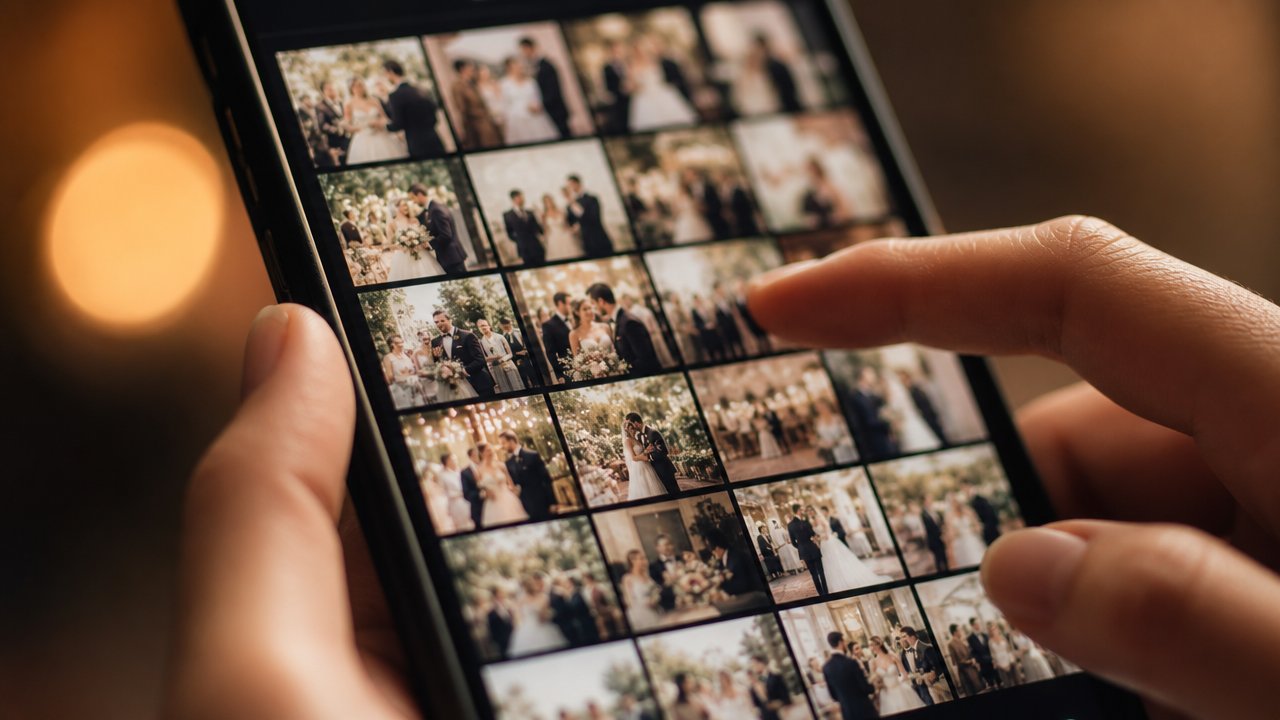
What Actually Gets Guests to Participate
The ideas that work share one thing in common: they remove friction and give guests something to do in the moment, not something to remember later.
1. A QR Code Guests Can Scan Instantly
A QR code guests can scan with their own phone camera, with no account or app download required, removes almost all the friction of the ideas above. Read more about setting up a QR code photo booth for the full setup process.
2. A Photo Limit That Creates Intentionality
Counterintuitively, giving guests unlimited photo-taking ability doesn't increase participation — it can actually decrease it, since there's no urgency or specialness to it. A limited number of shots, similar to an old disposable camera app, tends to get guests more engaged, not less.
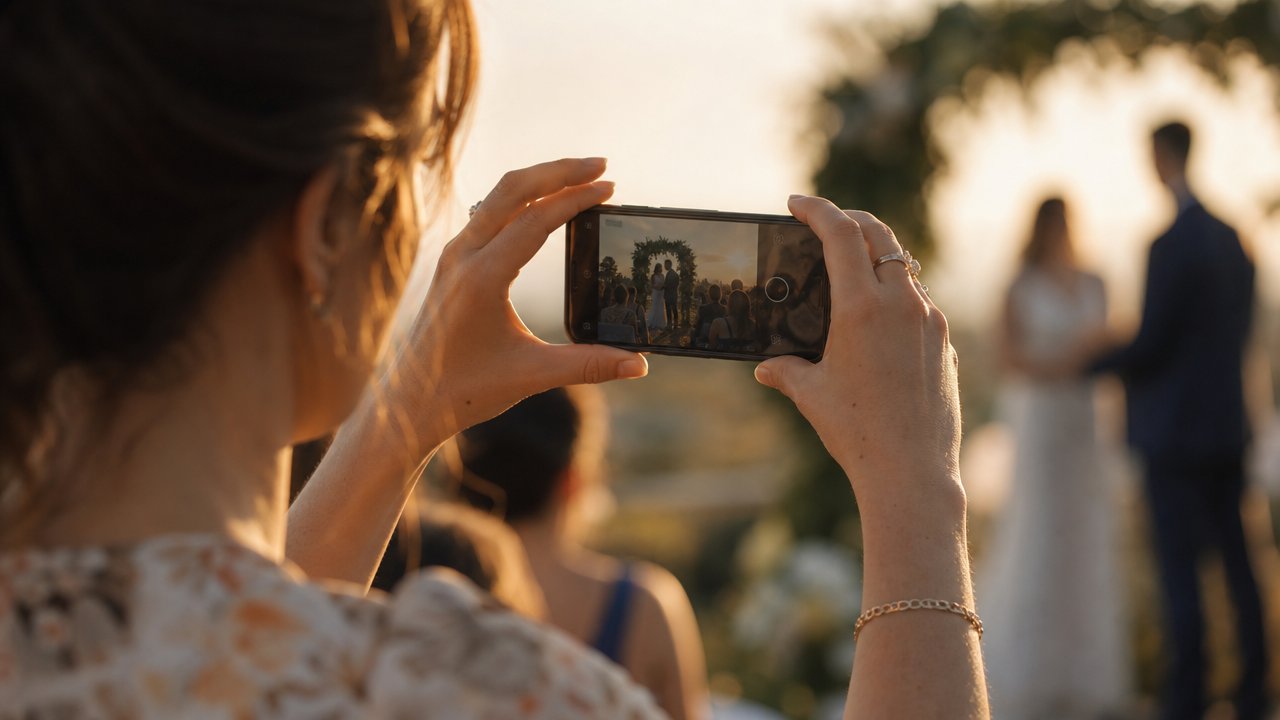
3. A Delayed Reveal
Not seeing photos instantly turns the gallery into something guests look forward to, rather than something they scroll past once and forget. Whether photos reveal after the event or at a scheduled time the next day, that anticipation tends to bring people back to check it out — which means more attention on the photos you worked hard to collect.
4. A Live Slideshow During the Event
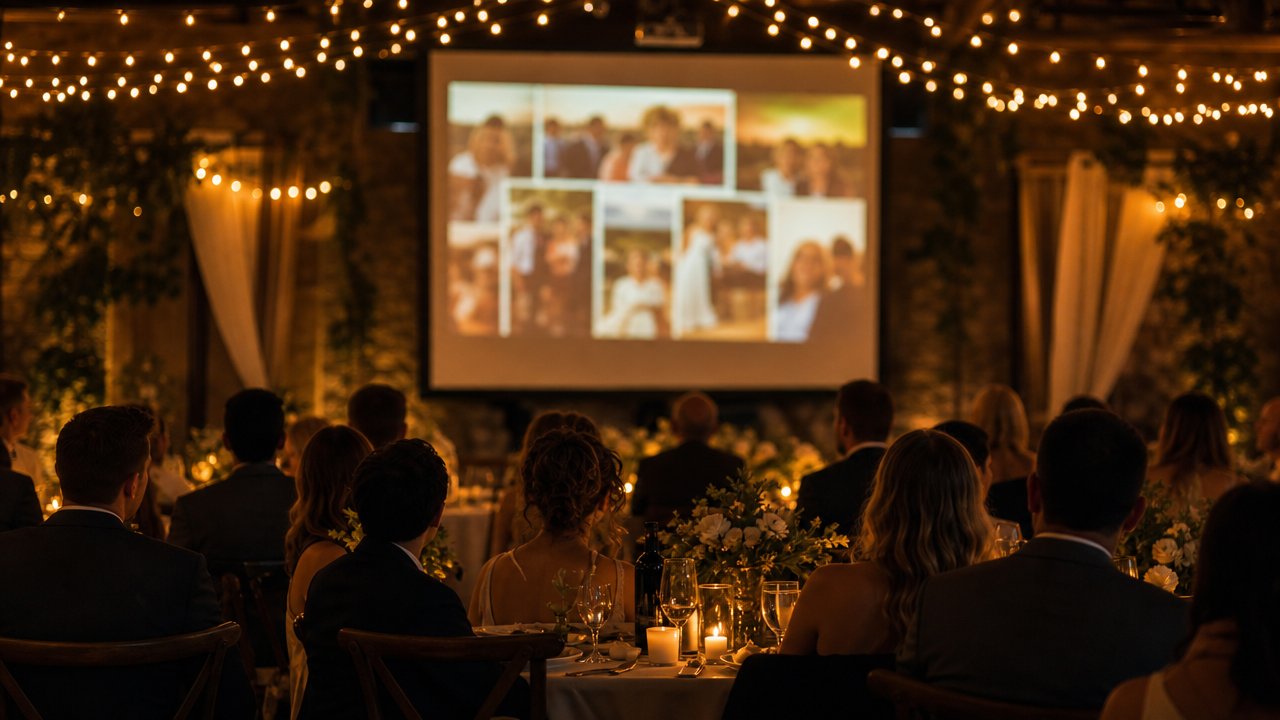
If your venue has a screen or projector, showing incoming photos live during the reception gives guests immediate positive feedback — they see their photo appear and want to take more. It also doubles as entertainment during dinner or between speeches.
A Side-by-Side Comparison
| Method | Requires app/account? | Works in the moment? | Captures private/candid shots? |
|---|---|---|---|
| Shared cloud folder | No, but requires upload later | No | Sometimes, if remembered |
| Wedding hashtag | Depends on platform | Only if posting live | Rarely (public posts only) |
| "Text me your photos" | No | No | Sometimes, if remembered |
| QR code, scan-and-shoot | No | Yes | Yes |
How to Actually Set This Up for Your Wedding
If you want to go with the QR code approach, here's the short version:
- Create an event and get your QR code (takes a few minutes).
- Print or display the code somewhere guests will naturally see it — welcome table, place cards, or a sign near the entrance.
- Have your MC or DJ mention it once during the reception, ideally before a high-energy moment like the dance floor opening.
- Choose when you want photos to reveal — live, after the event, or at a scheduled time.
- Download the full gallery afterward in one batch.
For the full step-by-step breakdown, see how to set up a QR code photo booth for your party.
FAQ
What's the easiest way to collect wedding photos from guests?
A QR code guests can scan with their own phone, with no account or app required, tends to get the highest participation because it removes friction at the moment guests are most likely to take a photo.
Should I use a wedding hashtag instead?
A hashtag can be a nice addition, but it shouldn't be your main method — it only captures photos guests choose to post publicly, which is usually a small fraction of what was actually taken.
Do guests need to download an app to share photos this way?
No, as long as the platform has a full web version. Guests can join and take photos directly through their phone's browser.
How do I get guests to actually participate instead of forgetting?
Removing extra steps helps most — a scan-and-shoot method with no signup, combined with a quick verbal reminder during the event, tends to bring in far more participation than signage alone.
Can I combine a few of these ideas together?
Yes — many couples use a QR code as the main method alongside a wedding hashtag for guests who want to post publicly. They serve different purposes and can work well together.
Want a photo-sharing setup guests will actually use, without the awkward reminders? Try Camvi for your wedding.