Disposable Camera Apps for Weddings: What to Look For

Thinking about a disposable camera app for your wedding? Here's what actually matters when choosing one — and what to avoid.
Why Couples Are Choosing Disposable Camera Apps for Weddings
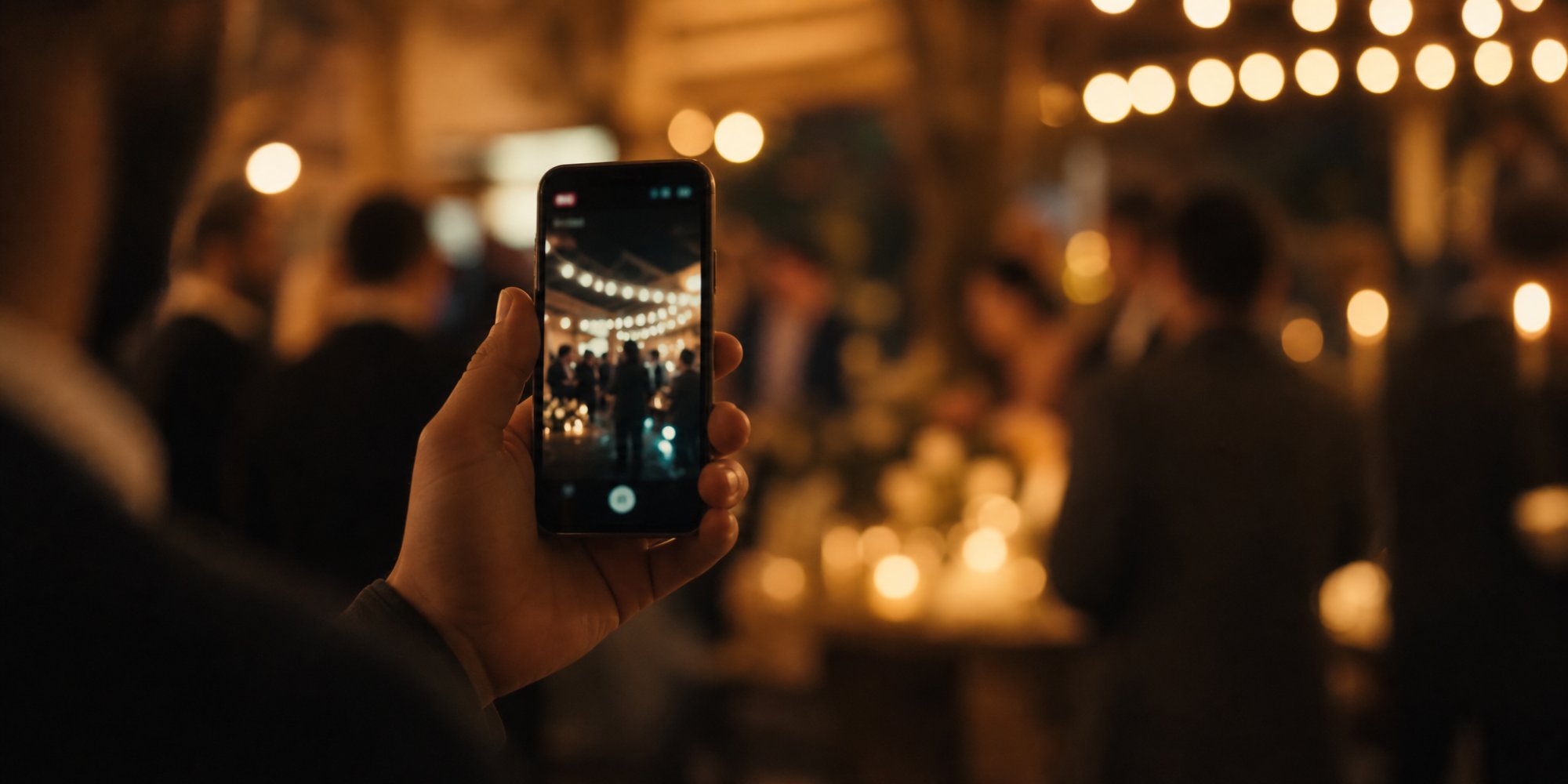
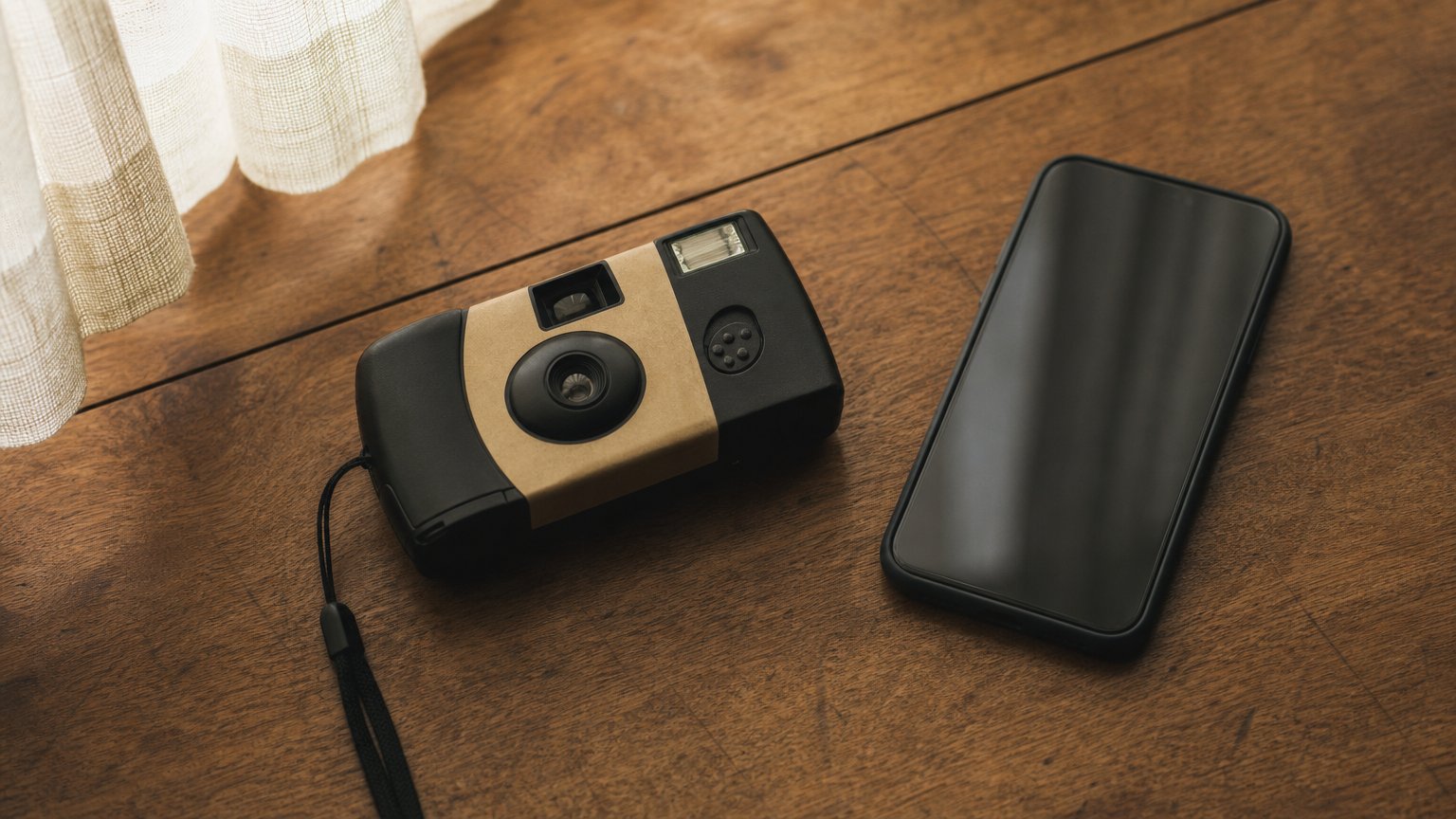
The idea is simple and a little nostalgic: instead of (or alongside) your professional photographer, guests capture the day through something that feels like an old-school disposable camera — a limited number of shots, no editing, no filters, and photos that "develop" later instead of showing up instantly on Instagram.
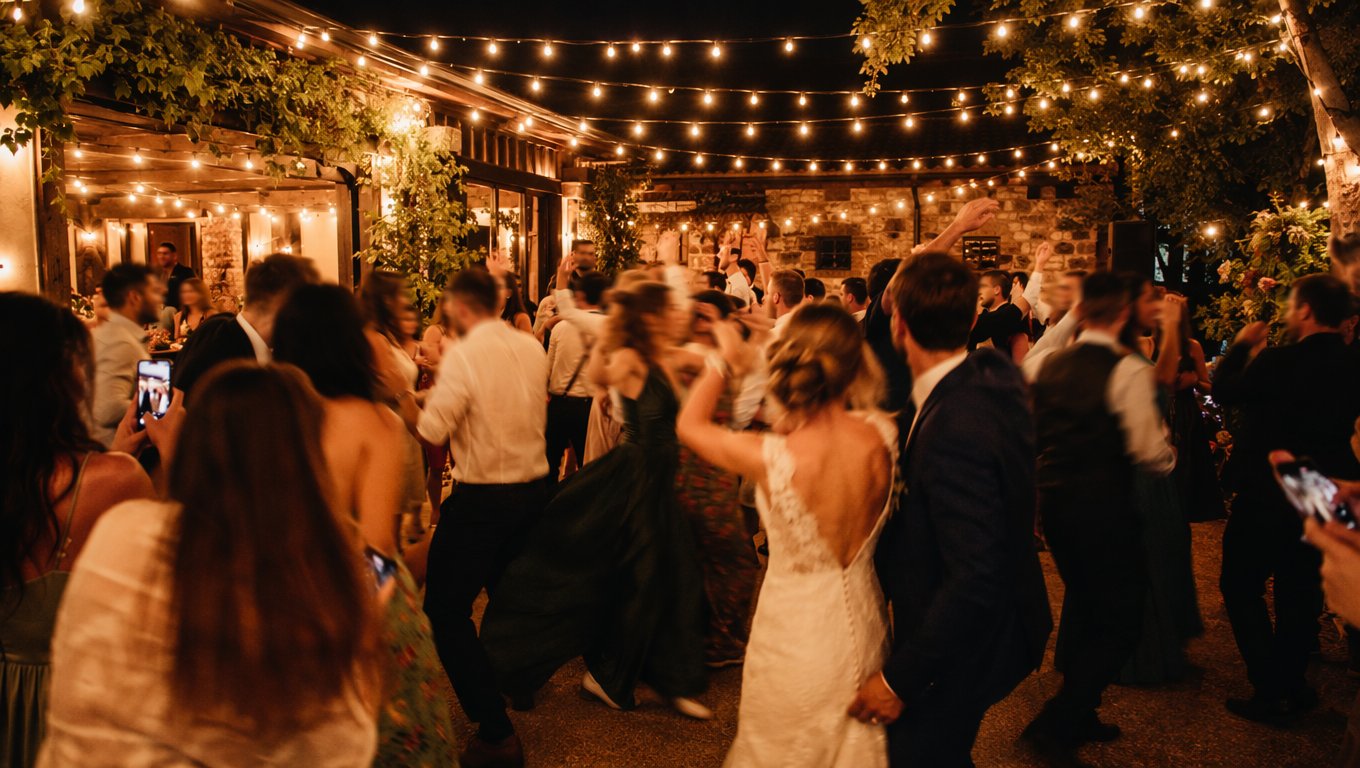
It's a nice contrast to how most people take photos now. Fewer, more intentional shots. A sense of anticipation when the gallery finally unlocks. And a collection of genuinely candid moments your photographer simply can't be everywhere to catch.
But not all disposable camera apps work the same way, and the differences matter more than they might seem at first glance. Here's what to actually look for before you pick one for your wedding.
What to Look For in a Disposable Camera App
1. No Account or App Required for Guests
This is the single biggest factor in whether guests actually participate. If joining requires creating an account, remembering a password, or installing an app before the reception starts, a large share of your guests simply won't bother.
Look for an app that lets guests join by scanning a QR code or entering a short code, with a full web version that works right in the browser — no download, no signup.
2. A Real Photo Limit, Not Just a Gimmick
The "disposable camera" feel only works if there's an actual limit on how many shots each guest can take. Some apps use this as pure marketing while still letting people take unlimited photos. A genuine limit changes behavior — guests slow down and think about the shot instead of rapid-firing twenty near-identical photos.
3. Flexible Reveal Timing
One of the most distinctive features of this category is that photos don't have to appear instantly. Look for an app that lets the organizer choose:
- Live reveal — photos appear in the gallery as guests take them, useful if you want a slideshow running during the reception.
- After the event — nothing is visible until the party ends, recreating the anticipation of picking up developed film.
- Scheduled reveal — everything unlocks at a specific time you choose, like the morning after.
This flexibility matters because different couples want different experiences, and a good app shouldn't force you into just one.

4. Easy Bulk Download for the Organizer
After the wedding, you don't want to save hundreds of photos one by one. Check that the app lets you download the entire gallery in a single ZIP file, so getting your photos out is a five-minute task, not an afternoon.
5. A Slideshow Option for the Reception Itself
Some apps let the organizer project a live slideshow of incoming photos during the event, on a screen or projector. This can double as entertainment during dinner or between speeches, and gives guests a fun incentive to keep taking photos throughout the night.
6. Availability Across Devices
Check what platforms the app actually supports before assuming it works for every guest. Some apps are iOS-only with a browser fallback for everyone else; others may have broader native support. If a guest doesn't have the "right" phone, a solid web version ensures they're not left out.
7. Clear, Honest Feature Claims
This one's less about features and more about how the app describes itself. Read the actual product page rather than the app store description alone — it's worth confirming things like platform availability, photo limits, and reveal options match what's advertised before you rely on it for a once-in-a-lifetime event.
What Doesn't Matter as Much as You'd Think
A few things that sound appealing but rarely make a real difference:
- Fancy in-app filters. Part of the appeal of a disposable camera app is the lack of editing — heavy filter options can work against the aesthetic you're going for.
- Social media integration. Most couples want a private gallery, not photos auto-posting publicly. Sharing should be something you control, not something that happens by default.
- A huge number of "themes" or customization options. Nice to have, but not worth prioritizing over the fundamentals above — guests barely notice cosmetic details once they're focused on taking a photo.
A Quick Comparison Checklist
| Feature | Why it matters |
|---|---|
| No account/app needed to join | Determines how many guests actually participate |
| Genuine photo limit per guest | Keeps the "disposable camera" feel authentic |
| Flexible reveal timing | Lets you choose live, after-event, or scheduled |
| Bulk ZIP download | Saves hours of manual work afterward |
| Live slideshow option | Doubles as reception entertainment |
| Broad device support | Ensures no guest is excluded |
Where Camvi Fits In
Camvi was built around this exact checklist: guests join by scanning a QR code or entering a code, no account or app install required, with a genuine limited-shot experience and flexible reveal timing set by the organizer. Organizers can download the full gallery as a ZIP and run a live slideshow during the event. An iOS app is available on the App Store for guests who prefer it, alongside the web version.
FAQ
Is a disposable camera app the same as a regular photo-sharing app?
Not quite. A regular photo-sharing app usually lets guests upload unlimited existing photos from their camera roll. A disposable camera app is built around taking new, limited photos through the app itself, with a delayed reveal — closer to the original film experience.
Do all guests need an iPhone to use a disposable camera app?
No, as long as the app has a full web version. This means guests without the app installed, or without a compatible phone, can still join through their browser.
Can I control when guests see each other's photos?
Yes — most disposable camera apps, including Camvi, let the organizer choose whether photos appear live during the event, only after it ends, or at a scheduled time.
How many photos should each guest be allowed to take?
There's no universal number, but a moderate limit tends to work best — enough that guests can capture several different moments, but low enough that they stay intentional about each shot.
Can we still hire a professional photographer alongside a disposable camera app?
Yes, and most couples do exactly that. The app captures the casual, candid moments your photographer can't be everywhere for, while your photographer handles the formal and posed shots.
Curious whether a disposable camera experience fits your wedding? Try Camvi and see how easy it is for guests to join in.