How to Set Up a QR Code Photo Booth for Your Party
No rented booth, no bulky equipment. Here's how to set up a QR code photo booth guests can use from their own phones in seconds.
What Is a QR Code Photo Booth?
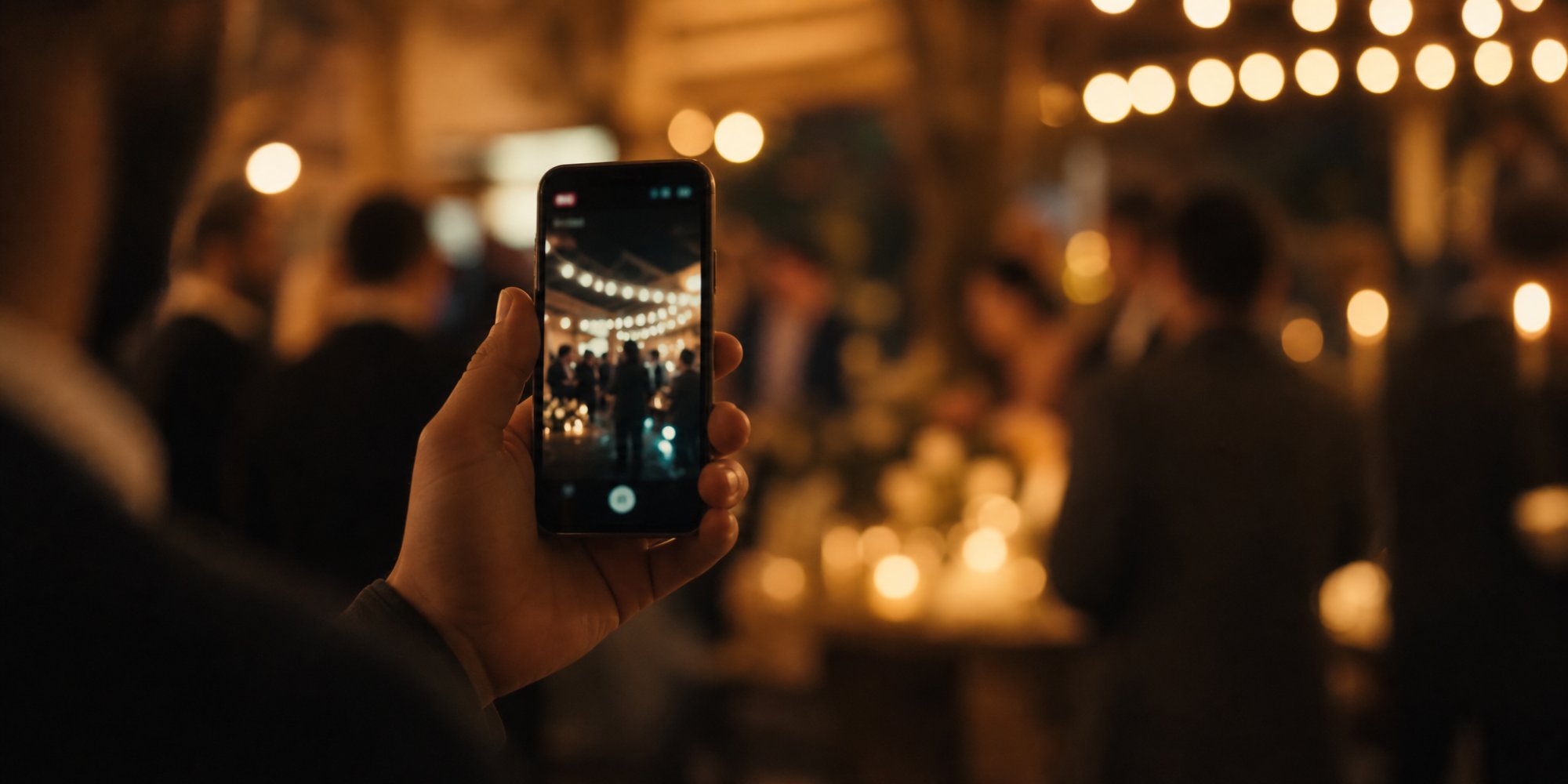
A QR code photo booth is exactly what it sounds like: instead of renting a physical booth with props, lighting, and an attendant, guests scan a QR code with their own phone and start taking photos that all land in one shared gallery.
But "booth" is a bit of a misleading word here. There's no physical structure, no line, no dedicated corner of the room. It's closer to handing every guest their own disposable camera for the night — except instead of dropping off film to develop, all the photos land automatically in one shared gallery you can access afterward.
No equipment to set up. No booth taking up floor space. No line forming around a single machine while everyone waits their turn. Every guest becomes their own photo booth, all at once, from wherever they're standing.
Why More Hosts Are Switching From Rented Booths
Traditional photo booths have been a party staple for years, but they come with real tradeoffs:
- Cost. Rental booths often run several hundred dollars for just a few hours, plus delivery and setup fees.
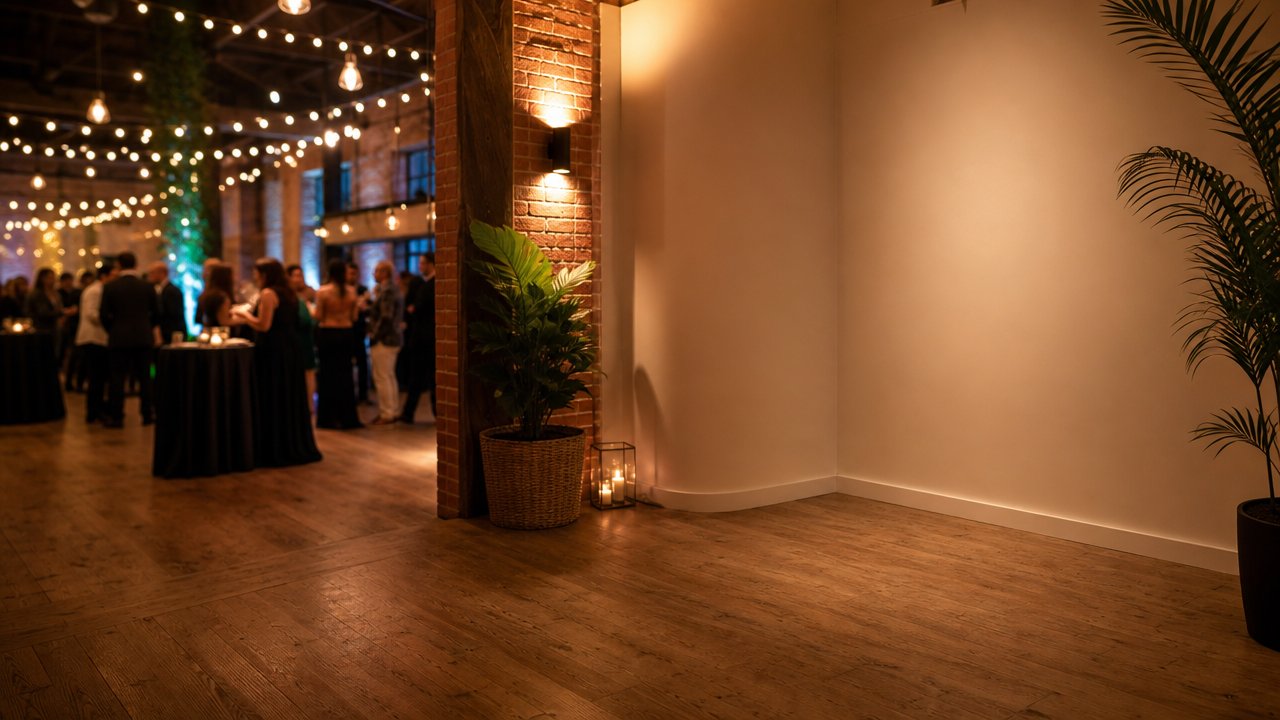
- Space. A booth needs a dedicated corner of the venue, which isn't always available at smaller venues or outdoor events.
- Bottleneck. Only a few people can use it at a time, so it becomes a line instead of something everyone naturally does throughout the night.
- Limited moments. A booth only captures what happens at the booth — not the toast, the first dance, or the candid laugh across the room.
A disposable-camera-style setup solves all four at once: it's cheaper, takes up zero physical space, has no line since everyone uses their own phone, and captures moments happening anywhere in the room, not just one corner.
How to Set Up a QR Code Photo Booth, Step by Step
1. Create Your Event and Get a QR Code
Start with a tool built for this — Camvi is one option — where you create an event in a few minutes and get a unique QR code plus a short join code as a backup. No need to design anything from scratch.
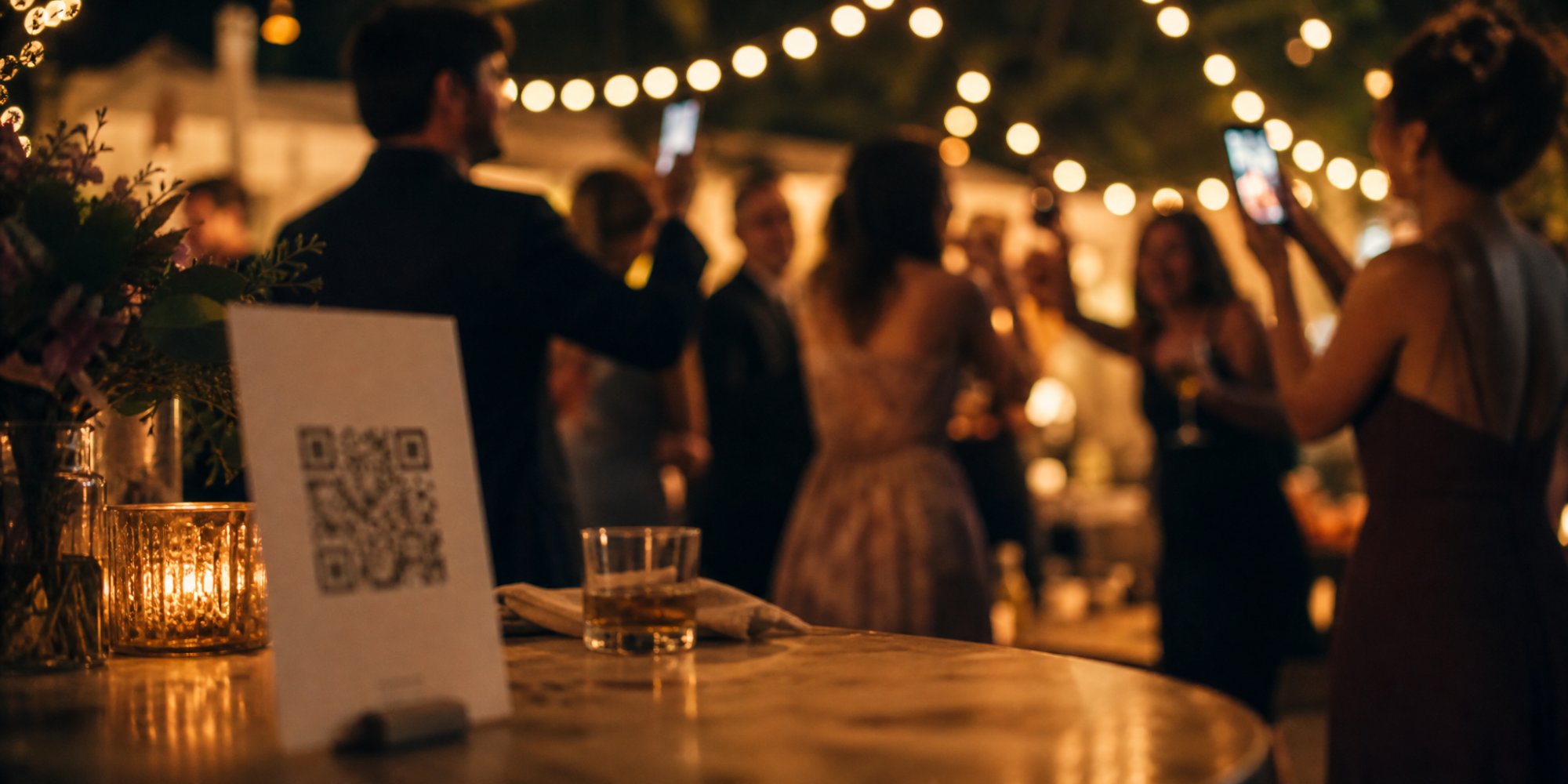
2. Print or Display the QR Code Where People Will See It
This is the part that actually determines how many guests participate. A QR code only works if people notice it at the right moment:
- On a printed sign near the entrance, so guests see it as soon as they arrive.
- On table cards, especially at seated events like weddings and dinners.
- On a screen or projector if the venue has one — useful for corporate events.
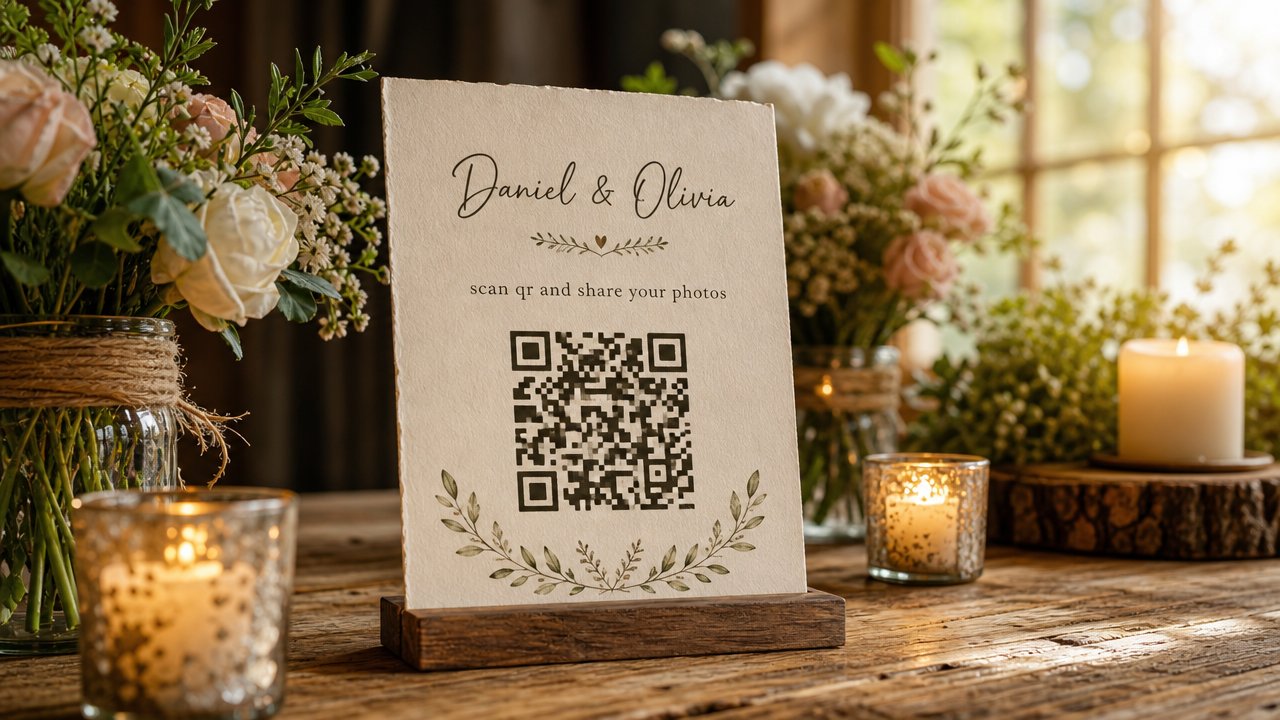
3. Announce It Out Loud, Don't Just Rely on Signage
Signs get missed, especially once a party is in full swing. A quick verbal nudge from the host, MC, or DJ — "scan the code on your table to join tonight's photo booth" — tends to bring in far more participants than a sign alone.
Timing the announcement right before a high-energy moment (like the dance floor opening) usually captures the best candid shots.
4. Let Guests Use Their Own Phone as the Camera
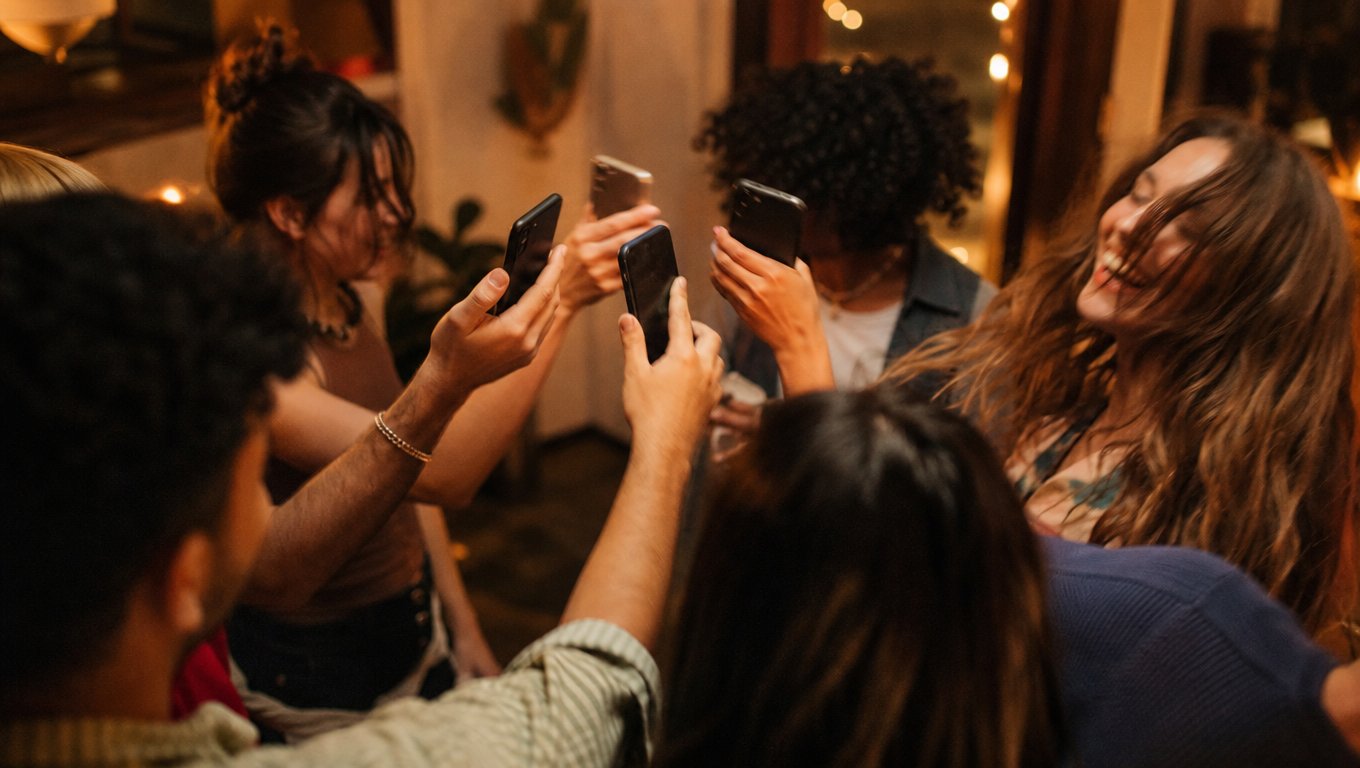
Once scanned, guests take photos directly through their browser or a lightweight app — no separate camera hardware needed. This also means there's no queue: as many people can take photos at the same time as there are phones in the room.
5. Decide When Photos Reveal
You can choose to show photos as they come in throughout the party, keep them hidden until the event ends, or set a specific reveal time. A live slideshow projected during the event can also double as ambient entertainment while people are on the dance floor.
6. Download Everything Afterward
Once the party's over, the organizer can pull every photo down in one batch as a ZIP file — no digging through individual guests' phones or waiting for people to send photos days later.
Tips for a Photo Booth That Actually Gets Used
- Set a photo limit per guest. A cap (rather than unlimited shots) encourages people to be more intentional, similar to a real disposable camera — and tends to increase participation rather than reduce it.
- Put the code in more than one spot. One sign near the entrance is easy to miss. Table cards, a bar sign, and a verbal shoutout together cover far more guests.
- Make the code big enough to scan from a distance. A tiny printed code on a card is harder to scan in low light — size it so it works from arm's length in a dim room.
- Use it for the whole event, not just one segment. Unlike a rented booth tied to one spot, a disposable-camera-style setup works everywhere, so remind guests it's active all night, not just during a designated "photo booth hour."
If you're planning this for a corporate event or working with a vendor, Camvi for professionals is worth a look for managing the setup across multiple events.
FAQ
Do guests need to download an app to use a QR code photo booth?
No — guests can scan the code and use the camera directly from their phone's web browser. An iOS app is also available on the App Store for guests who prefer using it.
Is a QR code photo booth free to set up?
It depends on the tool you use, but generally it avoids the rental costs of a traditional photo booth, since there's no equipment or attendant involved.
Can I use a QR code photo booth outdoors?
Yes — since there's no physical booth or equipment required, it works anywhere guests have phone signal or WiFi, indoors or outdoors.
How do I stop people outside my event from joining?
Only people who scan your specific QR code or enter your event's unique join code can contribute, so it stays limited to your guests.
Does this work for events other than weddings?
Yes — the same setup works well for birthdays, corporate events, and any gathering where you want candid photos from everyone in the room. See more use cases.
Ready to skip the rental fees and let every guest be their own photo booth? Try Camvi for your next event.